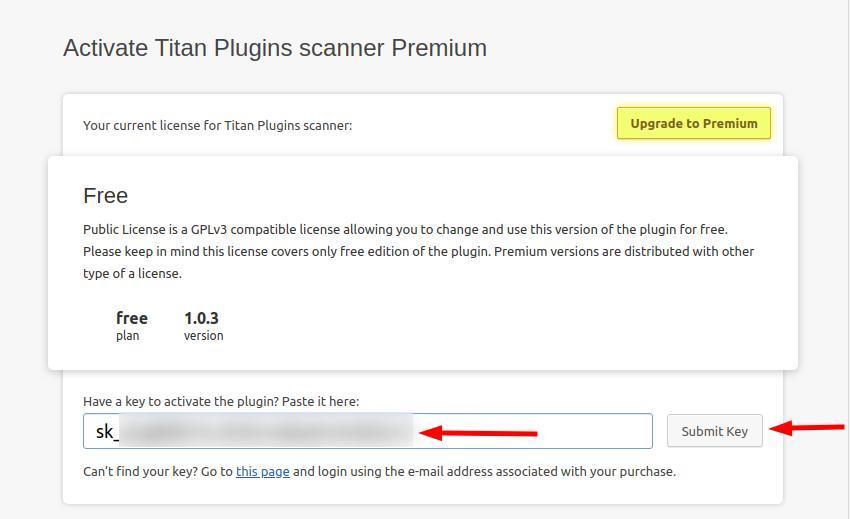
Installation
Installation using the WordPress interface
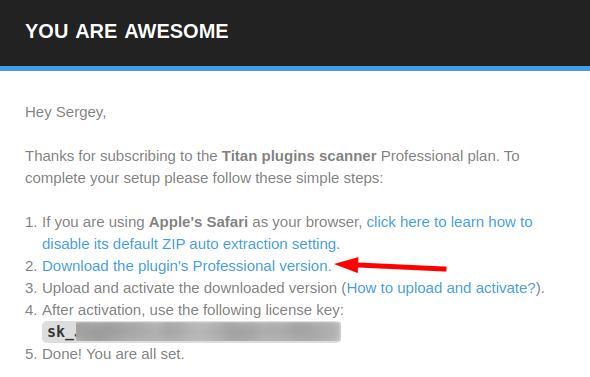
Check your email that you specified when purchasing the plugin. A letter from Freemius should come to her with instructions on how to download the purchased plugin.
Example:
After downloading the plugin, install it
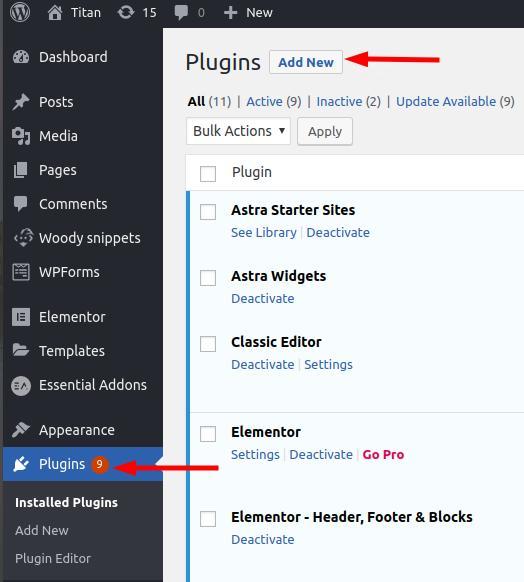
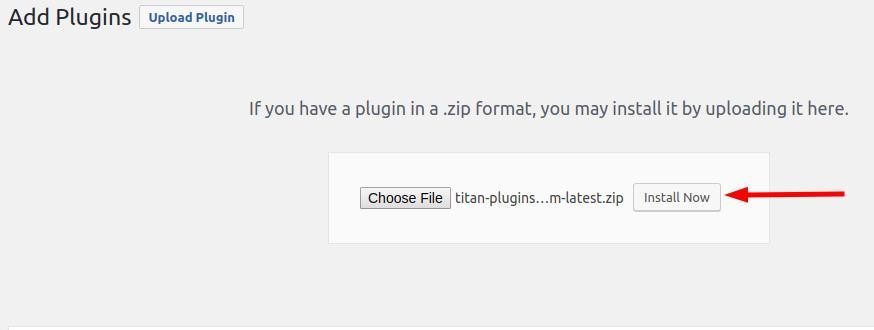
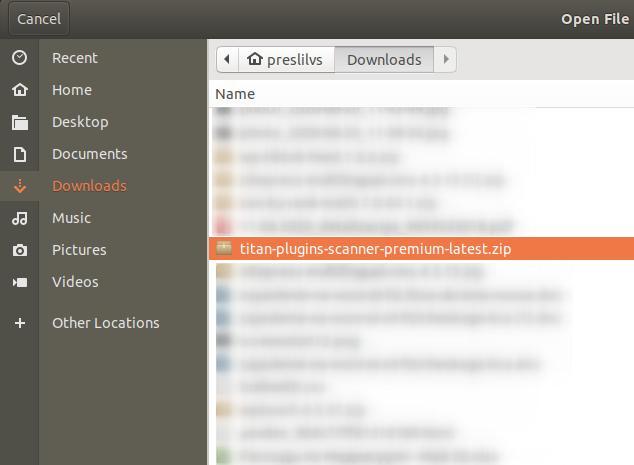
Activate plugin Titan plugin Scanner
Then go to Titan and activate the license Titan Plugin Scanner
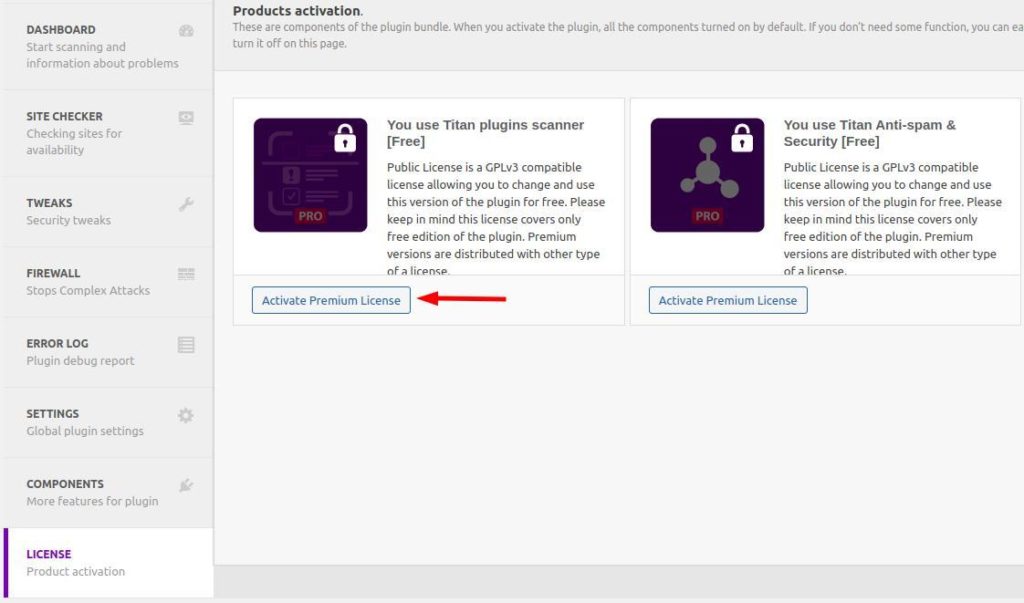
Insert your license key from the letter and click the Submit Key button to activate